

Download Plex for Windows – media player, streaming, free movies, live TV, watchlist, desktop app, Windows, Plex, entertainment
Overview
Plex for Windows is a desktop media application designed to enhance how users access and consume digital content on their personal computers. Built by Plex Inc., the app functions as a powerful media player and streaming hub, offering a centralized platform for managing local files and accessing a growing collection of free content. Its primary purpose is to simplify media playback by combining a clean, browser-like interface with advanced performance capabilities, making it ideal for users who want a seamless experience without relying on web browsers or third-party apps.
The app addresses common challenges such as fragmented media libraries, inconsistent playback quality, and limited access to live programming. By integrating a unified watchlist, a vast library of free titles, and live TV channels, Plex for Windows helps users organize their entertainment preferences and discover new content effortlessly. It is particularly suited for home users, media enthusiasts, and individuals managing personal media collections.
Real-world use cases include streaming high-definition movies from a local drive, browsing free live news channels, and maintaining a personalized watchlist across multiple devices. The app contributes to the broader digital entertainment ecosystem by offering a free, feature-rich alternative to subscription-based platforms, promoting accessibility and user control over content.
Key Features & Functionality
- Powerful Playback Engine: Optimized for high-definition content, the playback engine ensures smoother streaming and faster load times compared to standard browser-based media players. This is especially beneficial when handling large video files or 4K streams.
- Unified Watchlist: Users can create and manage a personalized list of movies and TV shows they wish to watch later. The feature supports cross-device synchronization, enabling consistent access across Plex-compatible devices.
- Massive Free Library: With access to over 50,000 free titles, the app provides a diverse selection of films and series across genres, including classics, documentaries, and indie productions, all available at no cost.
- Free Live TV Channels: Over 300 live TV channels are accessible directly through the app, covering news, sports, entertainment, and educational programming. This feature offers a compelling alternative to paid cable or streaming subscriptions.
- Elevated Privileges Required: Installation requires administrator-level access to the system. This ensures the app can configure necessary system-level components for optimal performance and integration with media sources.
For example, a user can import a collection of home videos, organize them into a personal library, and then stream them to a smart TV using the app’s network sharing features. Another user might use the live TV function to watch a live sports event without a subscription, while maintaining a watchlist of upcoming episodes to avoid missing them.
Interface, UX & Performance
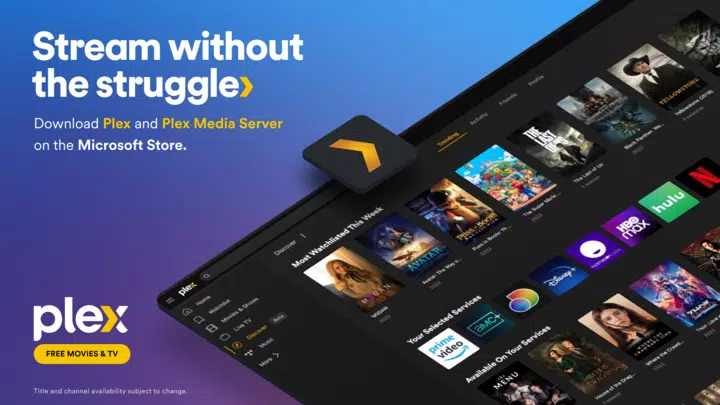
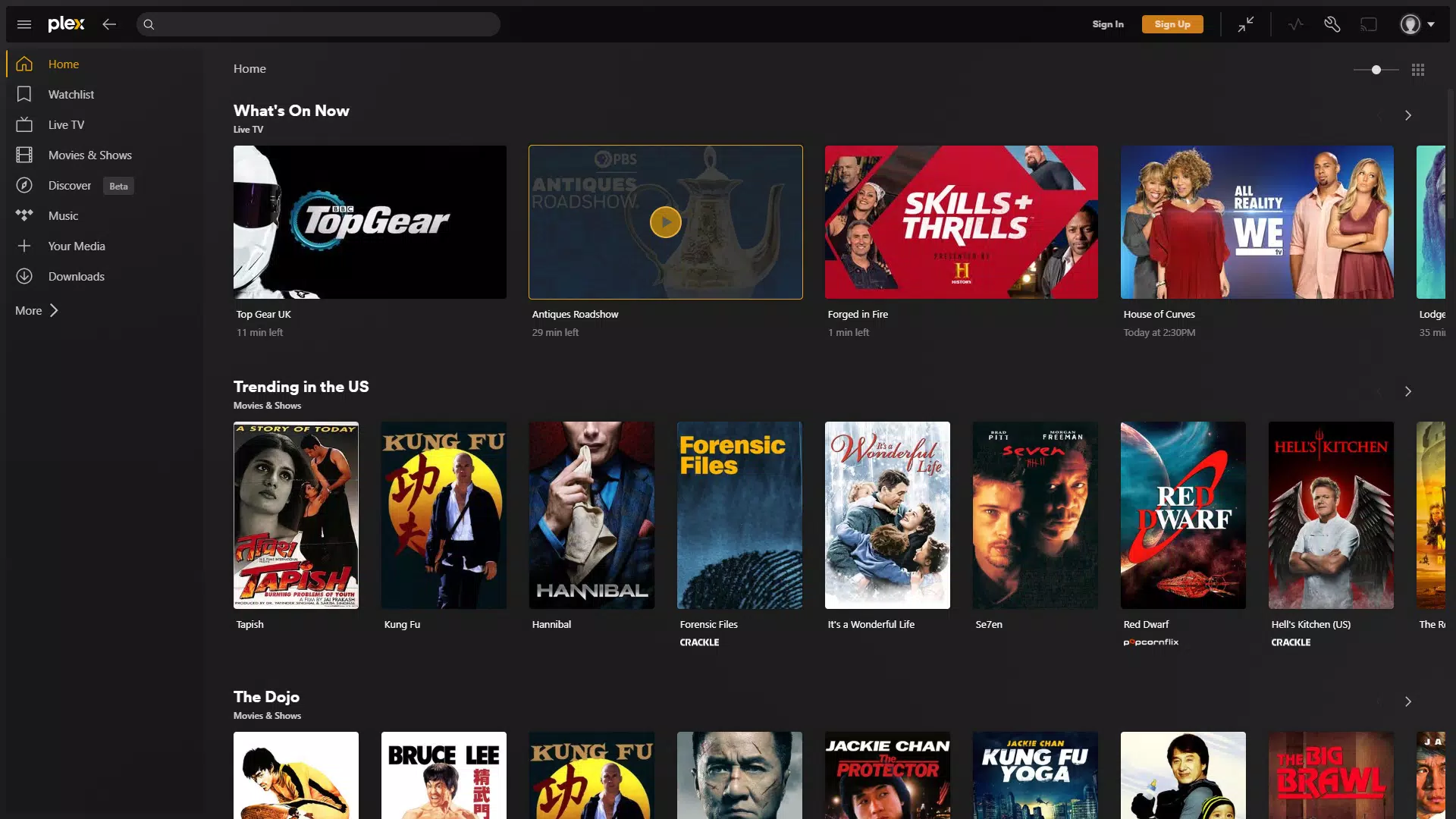
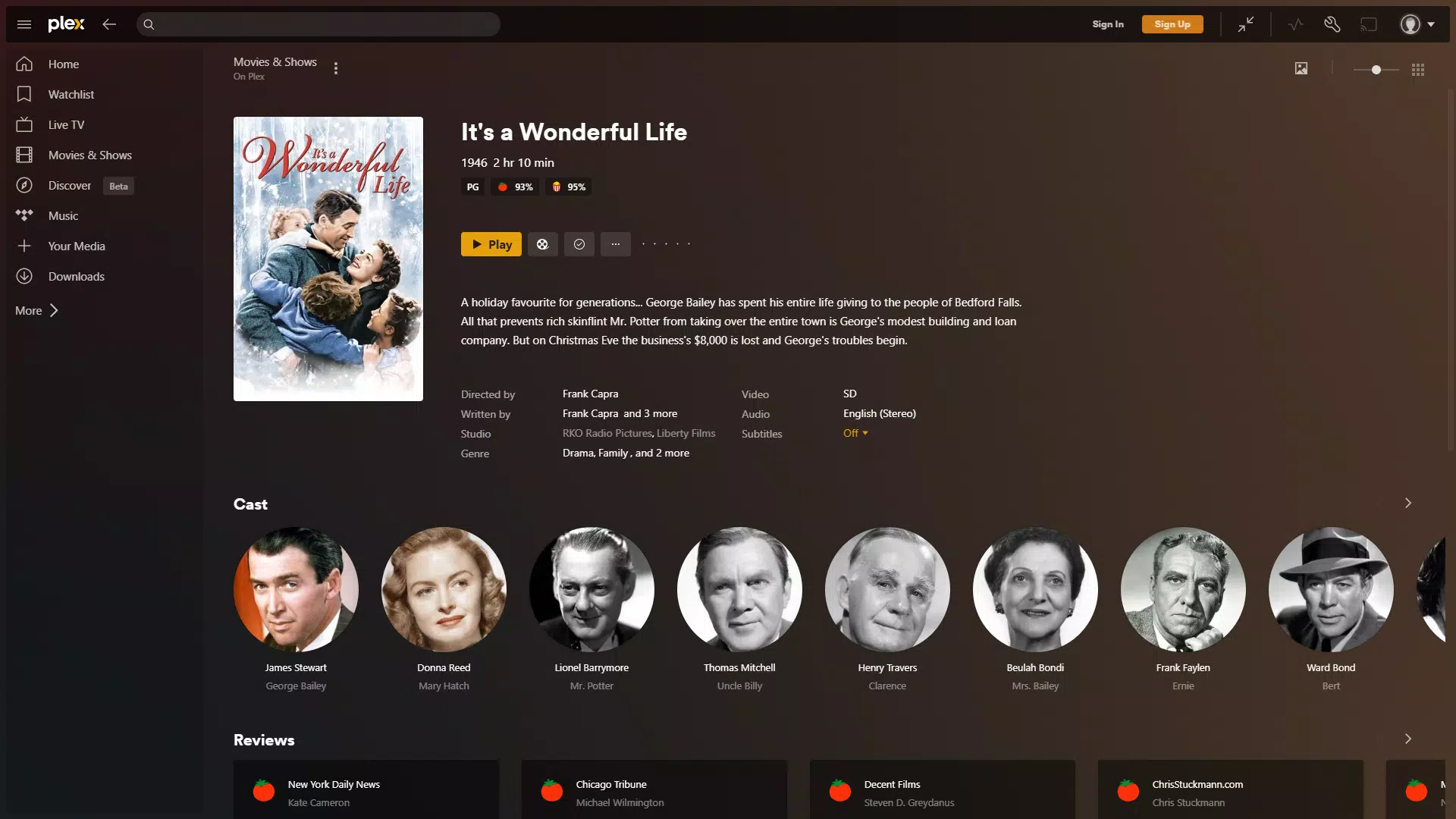
The interface of Plex for Windows is designed with usability and visual clarity in mind. It adopts a modern, browser-like layout with intuitive navigation, allowing users to browse content by category, genre, or recent additions. The visual style emphasizes clean typography, minimal clutter, and responsive layout adjustments based on screen size.
Navigation is straightforward, with a sidebar for quick access to libraries, the watchlist, and live TV. Menus are logically structured, and search functionality is integrated seamlessly into the main view. The app responds promptly to user inputs, and transitions between sections are smooth, contributing to a polished user experience.
Although the developer did not list formal performance metrics, the app’s optimized playback engine suggests strong stability during extended viewing sessions. It performs reliably across various Windows hardware configurations, from entry-level machines to high-end desktops. Responsiveness remains consistent even when handling multiple media streams or large file libraries.
Platform Compatibility & Technical Requirements
Plex for Windows is compatible with the Windows operating system, supporting the latest versions as of its release date. The app requires a minimum of 176.7 MB of storage space for installation, which is modest for a media application of its scope. The current version is 2.20.10.127, released on February 12, 2024.
The developer did not specify minimum OS requirements or hardware recommendations. However, given the app’s performance-oriented design and need for elevated privileges, it is likely optimized for systems with modern processors and sufficient RAM. Users should ensure their system meets standard desktop computing requirements for smooth operation.
Pros and Cons
Pros
- Free access to over 50,000 movies and TV shows without subscription fees.
- Integrated live TV channels offer a wide variety of real-time programming.
- Unified watchlist simplifies content tracking and personalization.
- Enhanced playback engine improves streaming performance and reduces buffering.
- Designed for desktop use with a clean, intuitive interface.
Cons
- Requires administrator privileges for installation, which may limit use on restricted systems.
- Specific system requirements were not disclosed by the developer.
- Performance on older or low-spec hardware may vary without official guidance.
- Content availability may depend on regional licensing and updates.
- No built-in content creation or editing tools.
FAQ
Is Plex for Windows safe to download and install?
Yes, Plex for Windows is a legitimate application developed by Plex Inc. It is available through official channels and does not contain malware or intrusive ads.
Can I use Plex for Windows on multiple devices?
Yes, the app supports synchronization across devices when signed into the same Plex account. This allows users to maintain consistent watchlists and library access.
Do I need a paid subscription to use Plex for Windows?
No, the app is free to download and use. All core features, including access to the free library and live TV, are available at no cost.
What kind of media files does Plex support?
Plex for Windows supports a wide range of common video and audio formats, including MP4, MKV, AVI, MOV, and more. Compatibility may vary slightly depending on system codecs and player settings.
How often is Plex for Windows updated?
Updates are released periodically by the developer to improve performance, fix bugs, and add new features. The latest version, 2.20.10.127, was released on February 12, 2024.
Final Thoughts
Plex for Windows stands out as a robust, free desktop solution for modern media consumption. Its combination of a powerful playback engine, extensive free content library, and live TV access makes it a compelling alternative to commercial streaming platforms. The unified watchlist enhances personalization, while the clean interface ensures ease of use for both casual viewers and media collectors.
While the requirement for elevated privileges may pose a minor barrier on some systems, the benefits of performance and functionality outweigh this limitation. The app is ideal for users seeking a customizable, ad-free entertainment hub without subscription costs.
For anyone looking to streamline their media experience on Windows, Plex for Windows delivers real value. Download Plex for Windows now.


